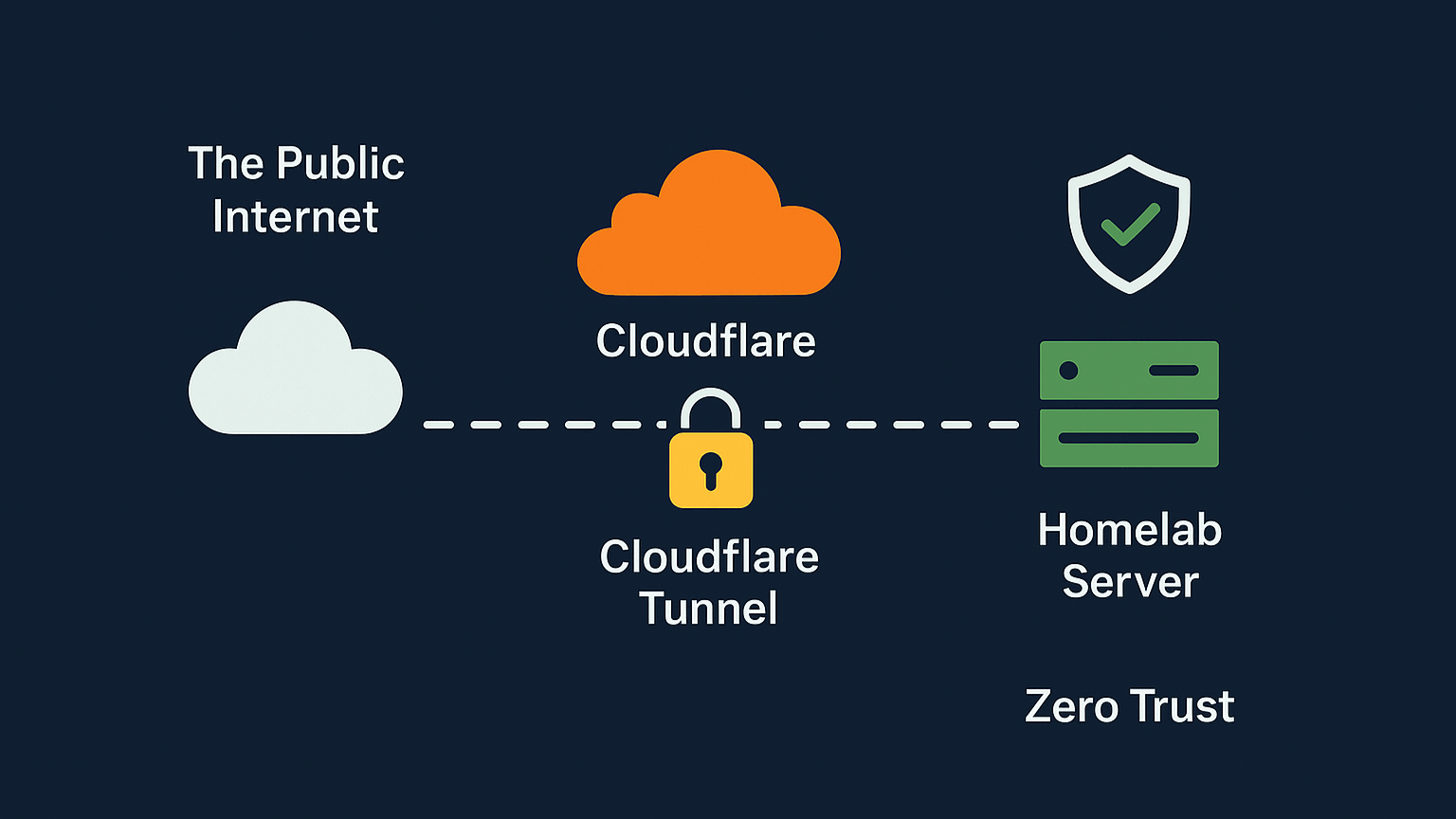
A diagram of a Zero Trust architecture, showing how a Cloudflare Tunnel securely connects a homelab server to the public internet via Cloudflare's network.

Part 5: Securing a Homelab with Cloudflare Tunnels and Zero Trust

Learn how to build a secure, globally-accessible homelab using a Cloudflare Tunnel. This guide covers implementing a Zero Trust security model to protect your services and eliminate the need for open router ports.
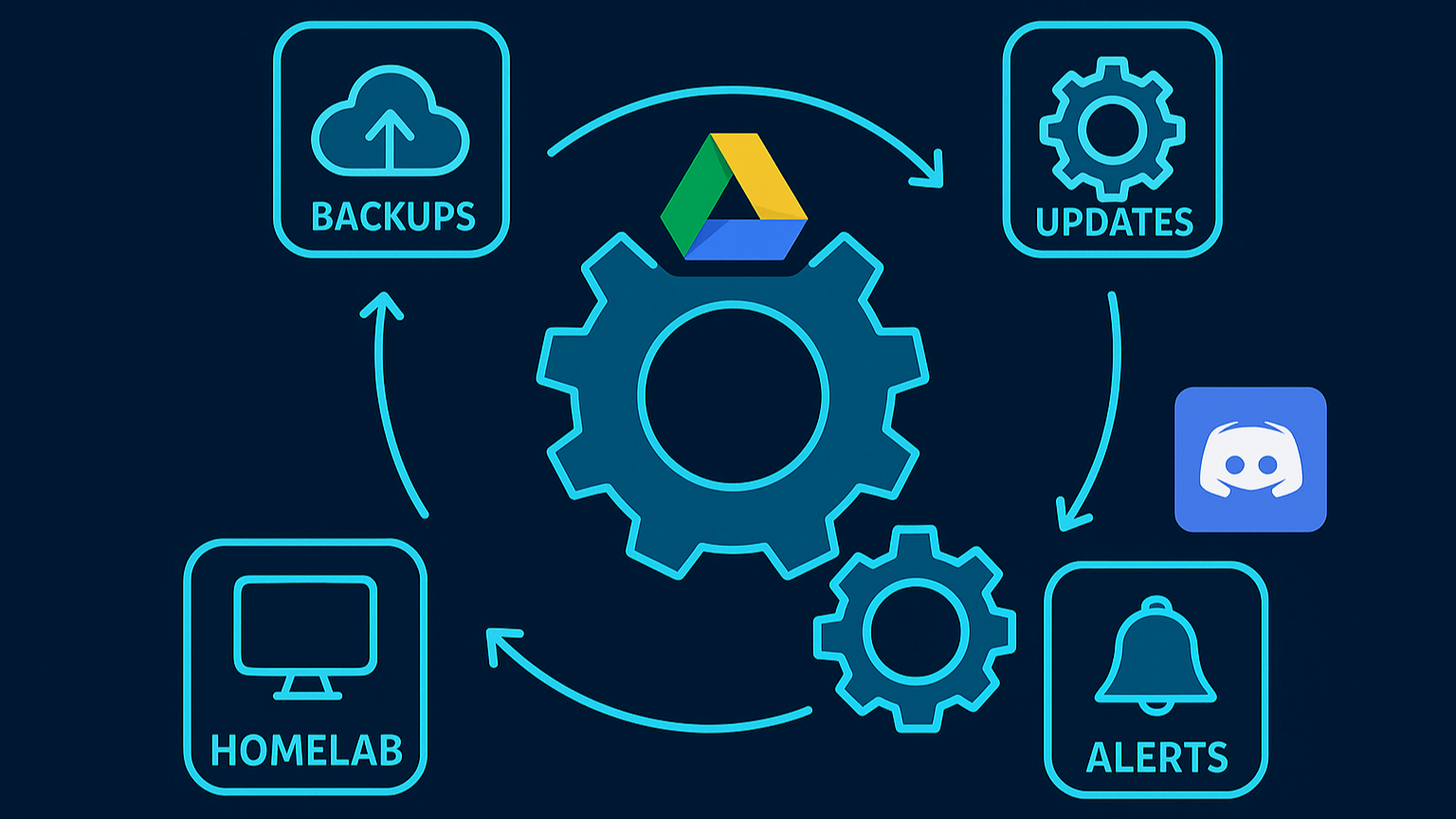
An architectural diagram of a homelab automation loop. An icon for 'HOMELAB' points to 'BACKUPS,' which points to 'UPDATES,' which points to 'ALERTS,' which points back to 'HOMELAB.' In the center, Google Drive and Discord icons show their integration in the process.

Part 4: Automating a Homelab with Backups, Updates, and Alerts

A step-by-step guide to making your homelab self-maintaining. Learn to automate backups to Google Drive with rclone, manage container updates with Watchtower, and send proactive alerts to Discord using Prometheus and Alertmanager.

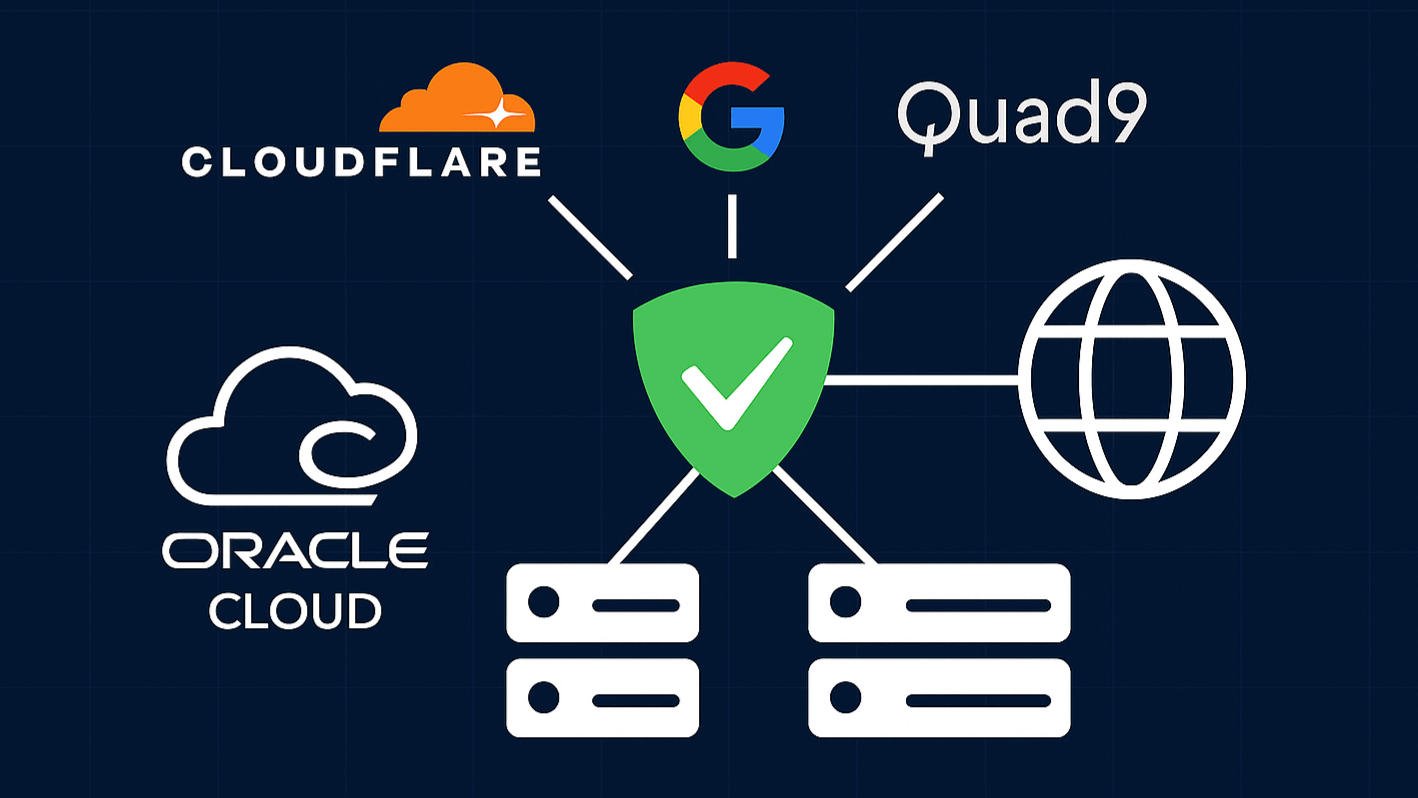
An architectural diagram of a secure DNS service, represented by a green shield. The service utilizes upstream DNS providers like Cloudflare, Google, and Quad9, is hosted on Oracle Cloud servers, and provides a secure connection to the internet.

Part 3: A High-Availability DNS Network with AdGuard Home

Learn to build a high-availability, ad-blocking DNS network with AdGuard Home. This step-by-step guide covers deploying on a homelab server, a free Oracle Cloud VM, and using Docker macvlan for ultimate redundancy.

A futuristic data dashboard with multiple glowing panels showing server health statistics, a real-time world network map, and performance graphs, representing a monitoring stack built with Grafana and Prometheus.

Part 2: Homelab Management & Monitoring

Elevate your homelab with a professional management and monitoring stack. This guide details how to deploy Nginx Proxy Manager, Prometheus, Grafana, and a Homer dashboard using Docker.

An old laptop being used as a homelab server, sitting on a desk with its screen displaying a command-line interface. It is connected to a network switch, with a glowing data network graphic in the background.

Part 1: Reviving an Old Laptop with Debian & Docker

Kickstart your homelab by turning an old laptop into a secure server. This guide details the process of installing Debian, performing initial hardening, and setting up Docker and Docker Compose for a solid foundation.

A stylized illustration of a container ship, representing Docker, carrying cargo of servers. The ship is integrated into a larger technical diagram, symbolizing a containerized application and its ecosystem.

Dive into AI Fun: Running DeepSeek-R1 on a Docker Container on Ubuntu

Dive into local AI! This guide shows you how to easily run the powerful DeepSeek-R1 model on Ubuntu using Ollama and Docker, complete with all the necessary commands for setup and execution.

Running a Powerful AI Locally with Docker!

Curious about running a powerful AI on your own machine? This post introduces my project guide for setting up the DeepSeek-R1 model locally using Docker for ultimate privacy and control.